Detect
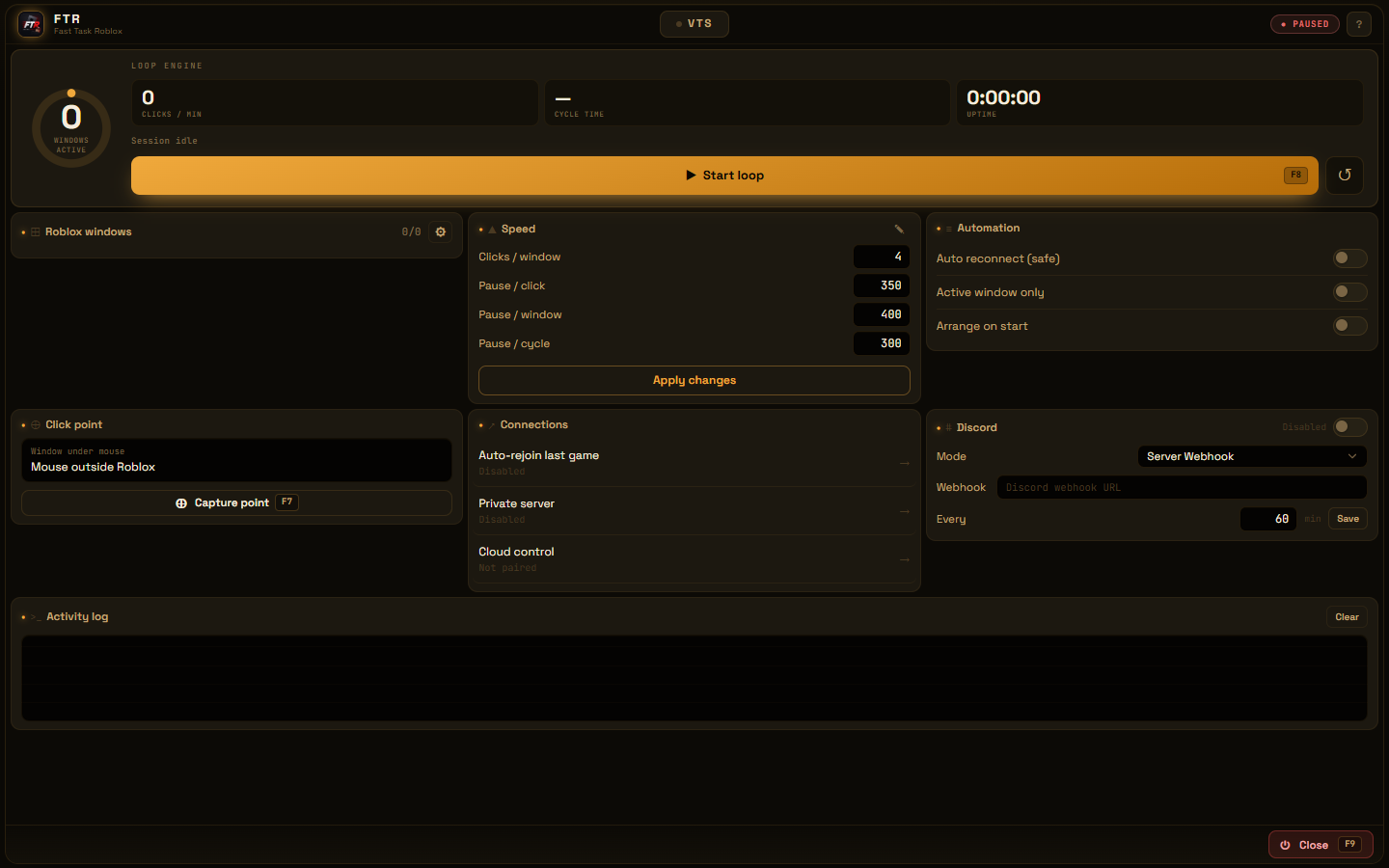
FTR finds Roblox windows and keeps each one as an independent slot.
Local automation for Windows
Control repeated clicks, multiple windows, reconnects, and visual tasks from one desktop app.
Workflow
FTR finds Roblox windows and keeps each one as an independent slot.
Set points, timing, reconnect behavior, and which window receives each action.
Start, pause, or stop from the panel or configurable hotkeys.
Included
Per-window click cycles with configurable timing, points, and scope.
Recover the last game or private server when a supported disconnect is detected.
Record clicks and keys, mark a reference image, and play the sequence back (beta).
The app checks version, size, and SHA-256 before applying an update.
License
Stripe handles payment. Your key appears after checkout and activates one PC.
Verifiable download
FTR ships as one executable. Windows SmartScreen may warn about new binaries; verify the version and checksum before continuing.
Version
1.1.55-BETA
File
FTR-1.1.55-BETA.exe · 84.2 MB
SHA-256
acf41fcbb67709ad2c26e063cf5c010320fa1a99cbd807bdaba52942d4e63b46
FAQ
No. FTR is an independent application and is not endorsed by or affiliated with Roblox Corporation.
On your own Windows PC. Settings and tasks are stored locally; cloud services handle licensing, device status, and updates.
The key activates one PC. Request a reset through support before moving it.
Use the management link provided by Stripe or open a support ticket. Cancellation stops future renewals.
No. Interfaces, rules, and detection behavior can change. Test each task and follow the rules that apply to your account and experience.
Try the app, buy a license when ready, and use support if you need to move your activation.